Plan phone connectivity in a Mercedes V-Class VIP interior: screen mirroring, wired connections, audio routing and multi-screen Sprinter layouts.
Phone Connectivity in a Mercedes V-Class VIP Interior
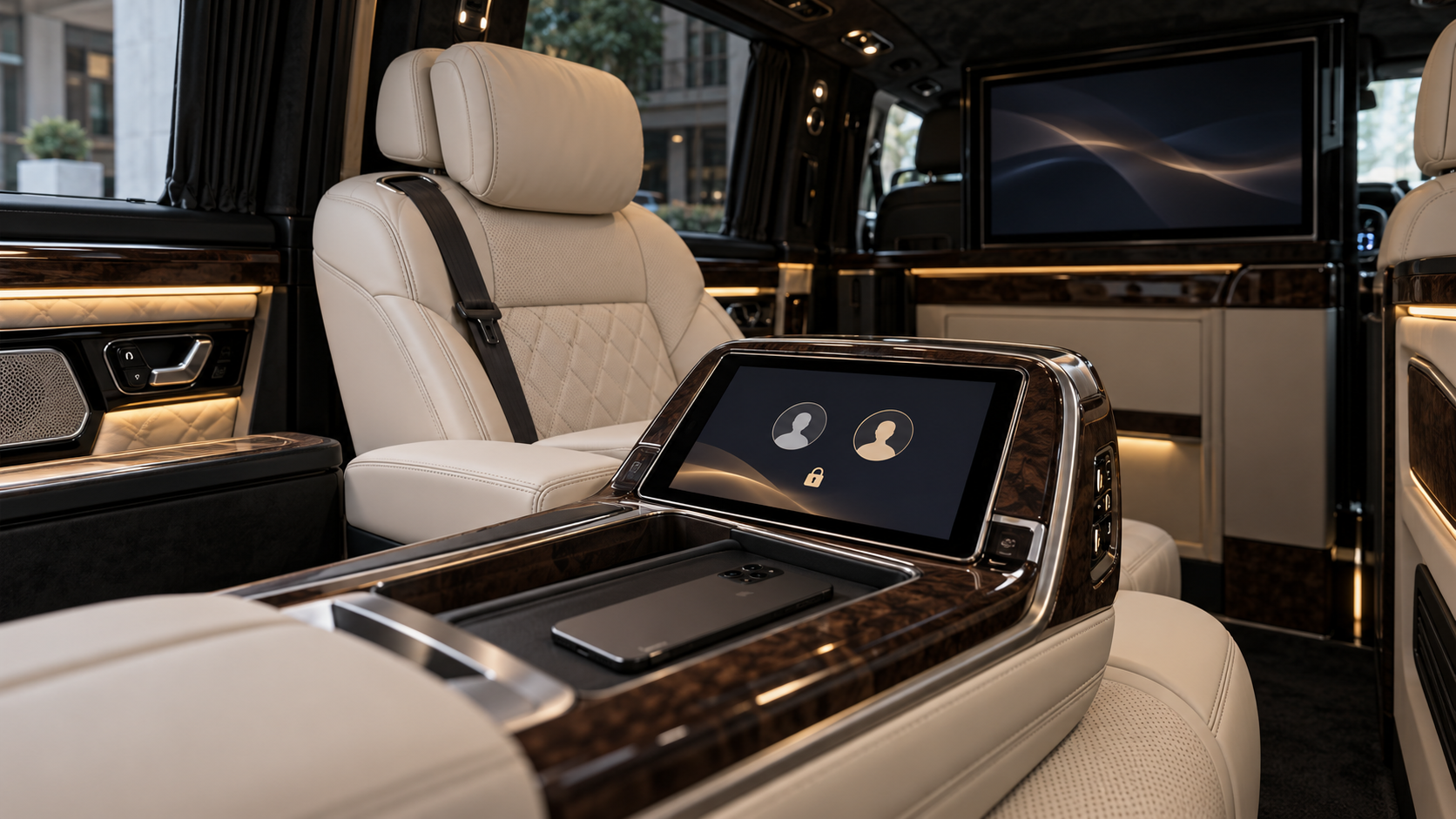
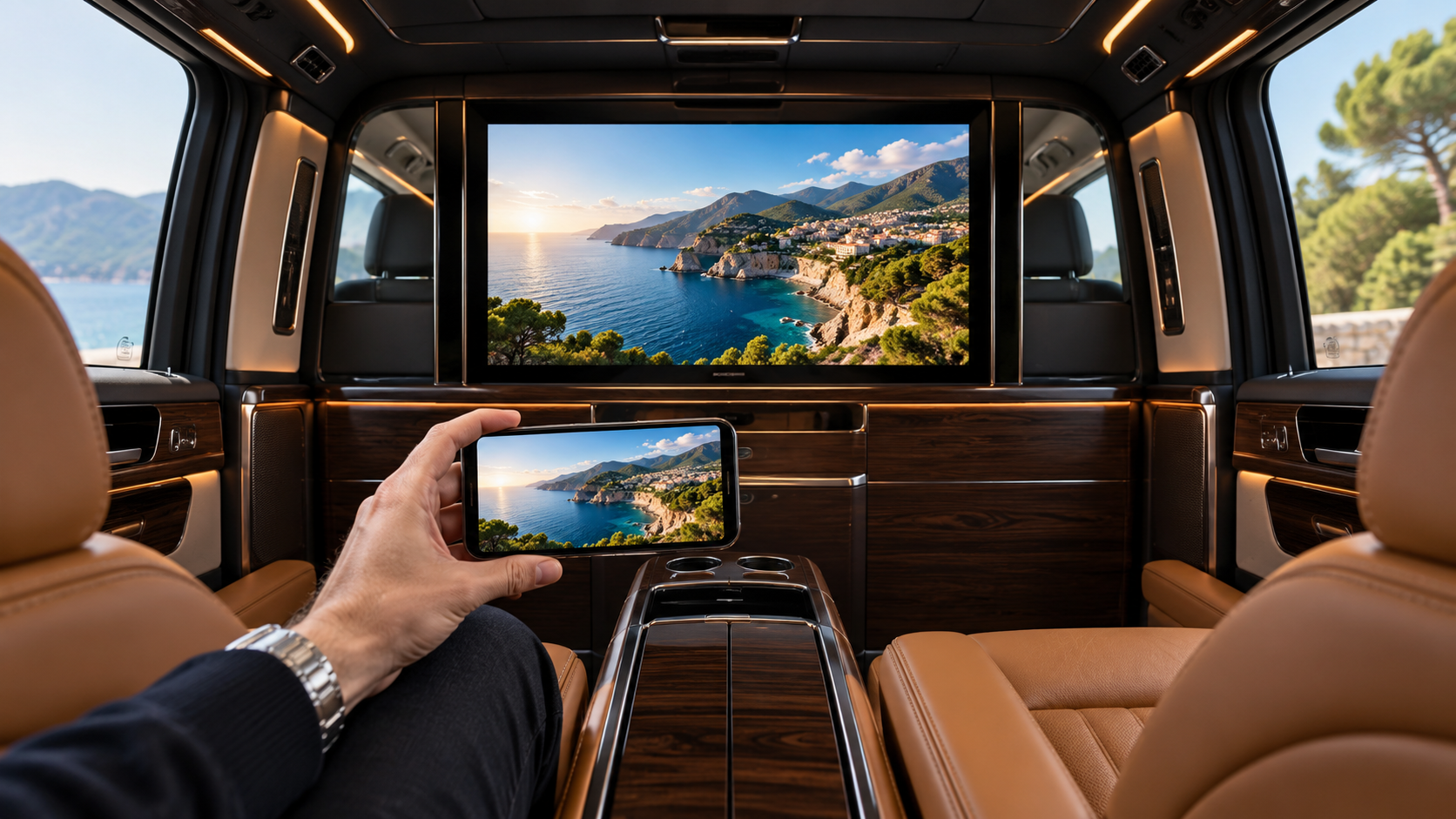
A rear passenger screen can support more than television viewing. Depending on the installed equipment, passengers may wish to display photographs, share a presentation or watch supported video content from a phone.
A large screen alone does not provide that functionality. The phone, receiving device, display and intended applications must work together.
When planning a bespoke Mercedes V-Class conversion for UK clients, connectivity should be agreed alongside the screen specification.
Decide What Passengers Want to Share
Displaying a document during a business journey creates different requirements from watching a film.
Screen mirroring reproduces the phone display, while supported app-based casting can send selected media to a compatible receiver. These methods should not be treated as interchangeable.
Check the Actual Devices
An iPhone may use a compatible AirPlay receiver. Android options depend on the handset, receiving equipment and supported connection method.
The practical test is whether the passenger’s own device and intended application work with the proposed installation.
Provide a Suitable Wired Option Where Needed
A wired connection may be useful when supported by the phone and display.
However, a USB-C socket does not automatically mean that a handset supports video output. The adapter and cable also need to suit the intended connection.
Passenger-facing sockets should be accessible without leaving cables across the walkway or near moving seats.
Plan the Wireless Connection
Some wireless systems require the phone and receiver to share a local network. Internet access is a separate consideration, particularly when the selected content is streamed online.
The connection process should be straightforward for a passenger using the vehicle for the first time.
Our Mercedes luxury van conversion overview explains how equipment choices fit into the wider interior project.
Confirm Where the Sound Will Play
A successful picture connection does not necessarily establish the desired audio output.
The specification should identify whether sound will come from the display or the cabin audio system. Volume control and picture-to-sound synchronisation should be checked together.
Test the Intended Applications
Some video applications restrict particular casting or mirroring methods. Compatibility should be demonstrated using the intended services rather than assumed from the screen’s specifications.
Multiple Screens in a Mercedes Sprinter
For a larger cabin, decide whether screens should show one shared source or independent content.
These arrangements may require different source devices, distribution equipment and audio control. Our Mercedes Sprinter luxury interior guide explores the wider planning of executive passenger space.
A Clear Connection Process for Everyday Use
Silver VIP Design considers multimedia equipment alongside seating, controls and the agreed cabin specification.
Passengers should know how to connect, select the correct source, control the sound and disconnect after use. Clear operation makes the installed technology more useful throughout the vehicle’s working life.